

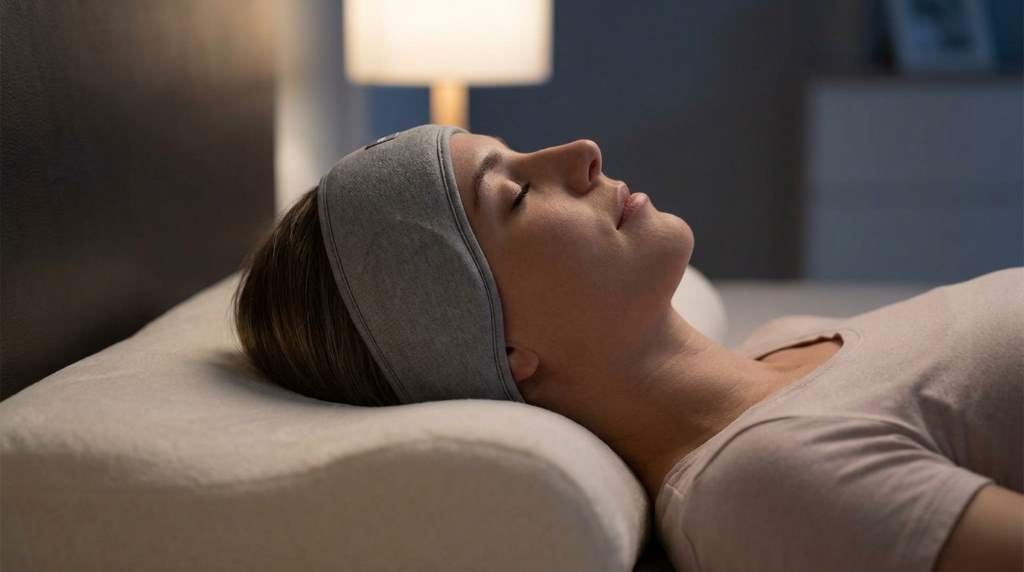
Sleeping with headphones can improve relaxation and block out noise. Studies show that 60 percent of people use music or white noise to fall asleep faster. However, improper use can lead to discomfort or even long-term issues. Finding the right headphones for sleeping is key to a restful night without sore ears or a stiff neck.
Many people turn to headphones to mask disruptive sounds like traffic or snoring. Yet, most do not realize that the wrong type can cause pressure points. This guide will help you pick the best options and use them safely.
Why Use Headphones for Sleeping
Headphones for sleep can create a calming environment. They help drown out background noise that disrupts rest. White noise or soft music can improve sleep quality for many users. This is especially useful in noisy urban areas or shared living spaces.
Research shows that consistent noise masking can deepen sleep cycles. It also reduces the time it takes to fall asleep. For shift workers or light sleepers, this can be a game changer. The right setup can make all the difference in achieving restorative rest.
Choosing the Right Headphones for Sleep

Over-Ear vs. On-Ear vs. In-Ear
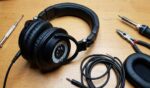
Over-ear headphones are bulky and can cause heat buildup. They also press against the ears, which may lead to discomfort. On-ear models are lighter but can still create pressure points. In-ear options are compact but may not stay in place all night.
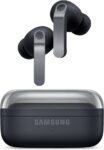
For side sleepers, in-ear or flat on-ear designs work best. Over-ear models are better for back sleepers who do not move much. The choice depends on your sleeping position and comfort needs.
Bone Conduction Headphones
Bone conduction headphones sit outside the ear canal. They transmit sound through cheekbones, leaving ears open to ambient noise. This design reduces pressure and allows for better airflow. It is ideal for those who need situational awareness while sleeping.
These headphones are lightweight and often more comfortable for long use. They are also easier to clean and maintain. However, sound quality may not match traditional models. They are a unique option for specific needs.
Wireless vs. Wired
Wireless headphones offer freedom of movement. They eliminate the risk of tangled cords during sleep. However, they require charging and may have latency issues. Wired options are reliable but can be restrictive.
For most sleepers, wireless is the better choice. It reduces physical constraints and improves comfort. Just ensure the battery life matches your sleep duration.
Material and Design Considerations
Soft and Breathable Materials
Look for headphones with memory foam or soft silicone tips. These materials conform to your ears and reduce pressure. Breathable fabrics prevent heat and sweat buildup. This is crucial for long-term comfort.
Avoid hard plastic or metal parts that dig into the skin. Seams or rough edges can cause irritation over time. Smooth, seamless designs are best for extended wear.
Adjustable and Lightweight Designs
Adjustable headbands ensure a snug but not tight fit. Lightweight models reduce strain on the head and neck. A good fit prevents the headphones from shifting during sleep. This also minimizes the risk of waking up with soreness.
Some models come with customizable ear tips or bands. These allow you to tailor the fit to your head shape. A personalized fit enhances comfort and sound quality.
Volume and Sound Safety
Keep Volume Low
High volume can damage hearing over time. The World Health Organization recommends keeping sound below 60 decibels. This is roughly the volume of a normal conversation. Loud music can mask noise but may harm your ears.
Use apps or devices with volume limiters. Many smartphones have built-in safety features. These can help you avoid accidental exposure to loud sounds.
Avoid Long Exposure to Loud Sounds
Prolonged exposure to sounds above 70 decibels can cause hearing loss. Even at lower volumes, long durations can be harmful. Take breaks if you use headphones for naps or short rest periods.
If you wake up with ringing in your ears, the volume is too high. Adjust your settings and monitor your hearing health regularly.
Sleeping Positions and Headphone Use
Side Sleepers
Side sleepers need headphones that do not press into the ears. Flat or slim designs work best for this group. Bone conduction headphones are also a good option. They avoid direct pressure on the ears.
Consider models with a low profile or flexible design. These adapt to your sleeping position without causing discomfort. Test different options to find what works for you.
Back Sleepers
Back sleepers have more flexibility in headphone choice. Over-ear models can work if they are lightweight. Wireless options prevent tangling as you move during the night.
Ensure the headband is not too tight. A loose fit can cause the headphones to slide off. A snug but comfortable fit is ideal for this sleeping position.
Stomach Sleepers
Stomach sleepers face the most challenges with headphones. Pressure on the ears or head can be unavoidable. In-ear models with soft tips are the best choice. They stay in place without causing discomfort.
Avoid bulky designs that press into the pillow. Flat or minimalist headphones reduce the risk of soreness. Test different positions to find the most comfortable setup.
Unique Tips for Better Sleep with Headphones
Use a Sleep Timer
Many music apps offer sleep timers. These automatically turn off audio after a set period. This prevents the headphones from playing all night. It also conserves battery life for wireless models.
A timer ensures you do not wake up to sudden silence. It also reduces the risk of overheating or discomfort. Set it for 30 to 60 minutes for the best results.
Combine with White Noise or Nature Sounds
White noise can mask disruptive sounds effectively. Nature sounds like rain or ocean waves are also calming. These options are less intrusive than music. They create a consistent audio environment for sleep.
Many apps offer customizable soundscapes. Experiment with different options to find what works best. Avoid tracks with sudden volume changes or loud noises.
Clean and Maintain Your Headphones
Regular cleaning prevents ear infections and irritation. Use a soft cloth to wipe down the surfaces. For in-ear models, clean the tips with mild soap and water. Allow them to dry completely before use.
Store your headphones in a clean, dry place. Avoid exposing them to extreme temperatures or moisture. Proper care extends their lifespan and ensures hygiene.
Common Mistakes to Avoid
Using Headphones That Are Too Tight
Tight headphones can cause headaches or ear pain. They may also lead to pressure sores over time. Always choose a model with adjustable fit. Ensure it feels comfortable before falling asleep.
If you wake up with marks on your ears, the fit is too tight. Loosen the headband or try a different model. Comfort should always be the top priority.
Ignoring Battery Life
Wireless headphones can run out of battery during the night. This can disrupt your sleep if the audio suddenly stops. Check the battery level before bed and charge as needed.
Some models offer quick charging features. These can provide hours of playback with just a few minutes of charging. Consider this feature if you often forget to charge your devices.
Sleeping with Headphones Every Night
Using headphones every night can lead to dependency. It may also increase the risk of ear infections or discomfort. Take breaks to allow your ears to rest. Alternate with other sleep aids like earplugs or sound machines.
Listen to your body and adjust your habits as needed. If you experience pain or irritation, stop using headphones for sleep. Consult a healthcare professional if issues persist.
Real-Life Success Stories
Many users report better sleep quality with the right headphones. One side sleeper found relief with bone conduction models. They no longer wake up with sore ears or a stiff neck.
A back sleeper switched to wireless over-ear headphones. They now enjoy uninterrupted rest without tangled cords. These stories highlight the importance of choosing the right design for your needs.
Another user combined headphones with a sleep timer. This simple change improved their sleep consistency. Small adjustments can make a big difference in comfort and effectiveness.
Conclusion
Safely using headphones for sleeping requires the right choice and proper habits. Prioritize comfort, fit, and sound safety to avoid soreness or hearing damage. Experiment with different types and features to find what works best for you.
Remember to clean and maintain your headphones regularly. Take breaks to prevent dependency or discomfort. With the right approach, headphones can be a valuable tool for better sleep.
Start by testing different models and settings. Pay attention to your body and adjust as needed. Here is to restful nights and comfortable mornings.
FAQ
Can I use any headphones for sleeping?
Not all headphones are suitable for sleeping, as some can cause discomfort or pressure points.
How do I prevent ear pain from sleeping with headphones?
Choose soft, lightweight models and keep the volume low to avoid ear pain.
Are wireless headphones safe for overnight use?
Yes, wireless headphones are safe if they are comfortable and the volume is kept at a reasonable level.
What is the best type of headphones for side sleepers?
Bone conduction or flat in-ear headphones are often the best choices for side sleepers.
How often should I clean my sleep headphones?
Clean your headphones at least once a week to maintain hygiene and prevent infections.