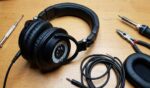
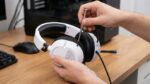
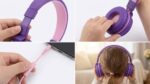

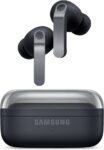

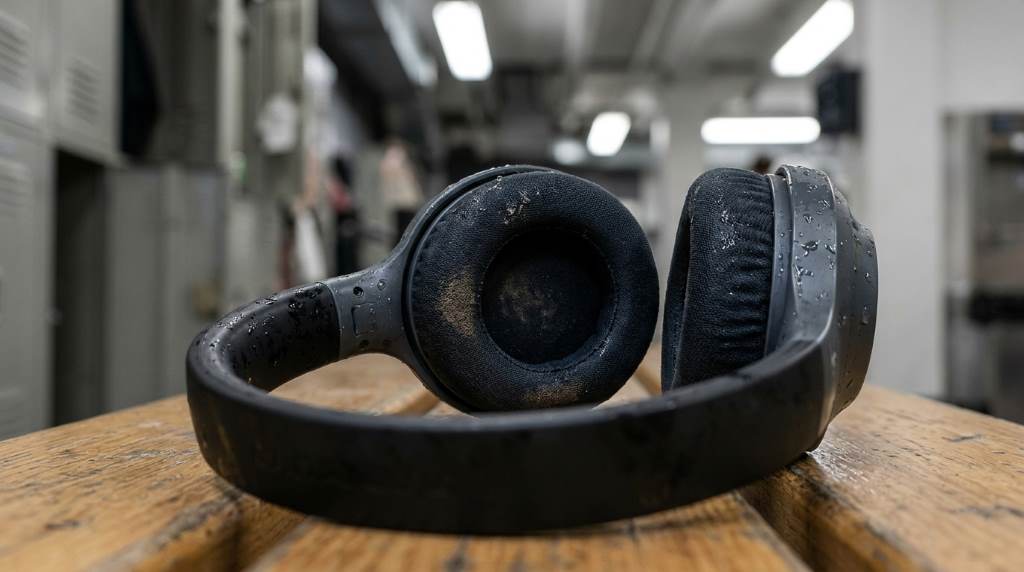
Working out with headphones keeps you motivated and focused. Sweat and dirt can damage your gear over time. Studies show that 70 percent of gym-goers use headphones during workouts. Proper care extends their life and keeps sound quality high. The best headphones for working out need regular cleaning to stay in top shape.
Bacteria and sweat buildup can cause odors and reduce performance. Cleaning your headphones after each use prevents this. A little maintenance goes a long way in preserving your investment. You will enjoy better sound and hygiene with minimal effort.
Why Cleaning Your Workout Headphones Matters
Sweat contains salts and oils that corrode headphone materials. Over time this can lead to permanent damage. Bacteria thrive in warm moist environments like ear cushions. This can cause skin irritation or infections.
Regular cleaning removes these harmful elements. It also prevents the buildup of earwax and debris. Clean headphones sound better and last longer. You avoid replacing them as often.
Hygiene is another key reason to clean your headphones. Sharing headphones without cleaning spreads germs. This is especially important in public spaces like gyms. Clean headphones mean a healthier workout experience.
Step-by-Step Guide to Cleaning Your Headphones
Gather Your Supplies
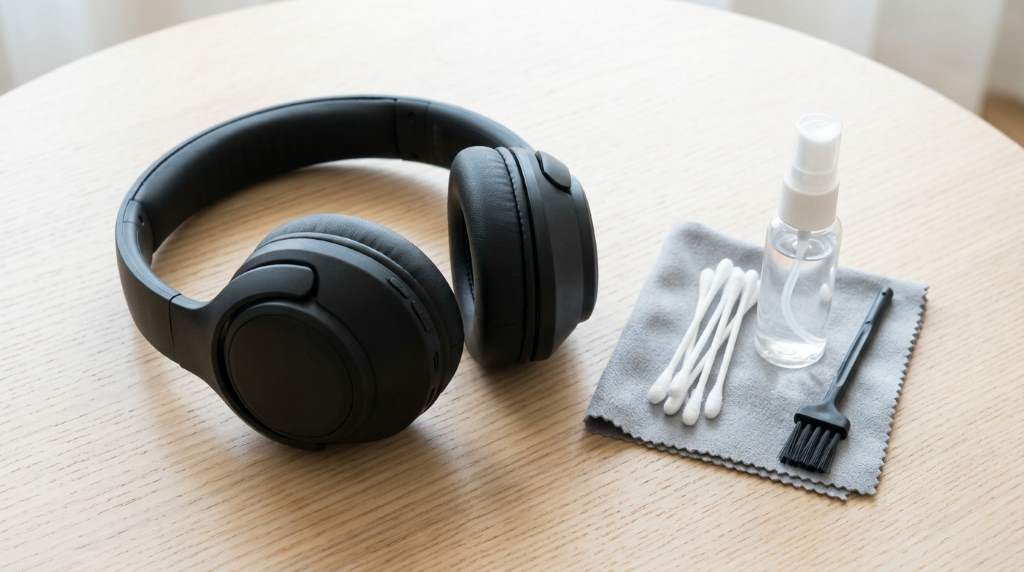
You will need a soft cloth or microfiber towel. Isopropyl alcohol wipes are safe for most surfaces. A small brush or cotton swabs help reach tight spaces. Avoid harsh chemicals like bleach or ammonia.
Check your headphone manual for specific cleaning instructions. Some brands sell cleaning kits for their products. Always unplug or turn off your headphones before cleaning. This prevents damage to electronic parts.
Clean the Ear Cushions and Tips
Remove the ear cushions if they are detachable. Use a damp cloth with mild soap to wipe them down. For non-removable cushions use alcohol wipes gently. Let them air dry completely before reattaching.
For in-ear tips soak them in warm soapy water for a few minutes. Rinse thoroughly and let them dry. Never use hot water as it can warp the material. Replace tips if they become cracked or worn out.
Wipe Down the Headband and Body
Use a cloth lightly dampened with water or alcohol. Wipe the headband and all plastic or metal parts. Pay attention to crevices where sweat collects. Dry with a clean towel to prevent moisture damage.
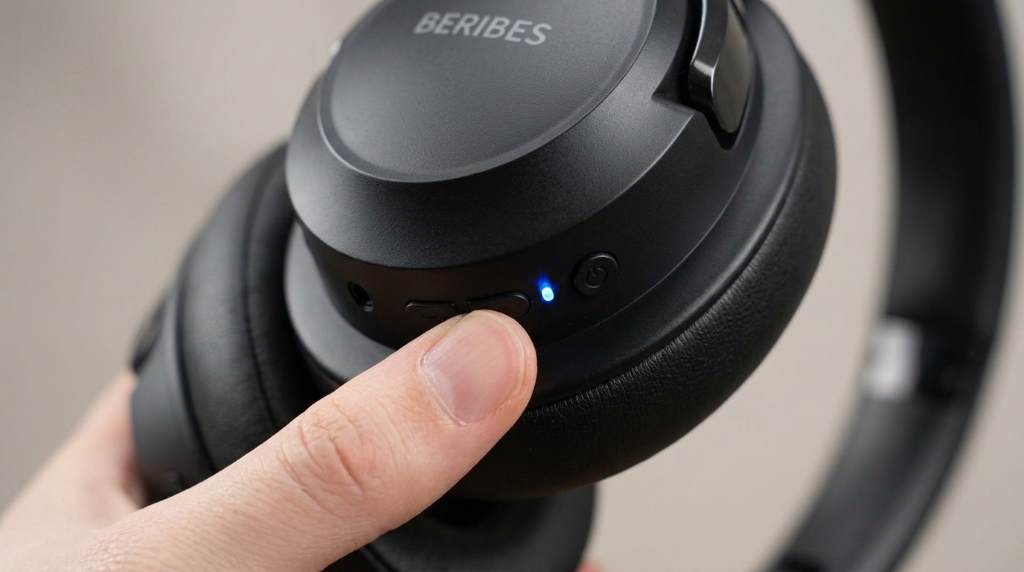
For wireless headphones avoid getting moisture near the ports. Use a dry cloth for these areas. A soft brush can remove dust from vents or buttons. Be gentle to avoid scratching the surface.
Clean the Audio Jack and Charging Port
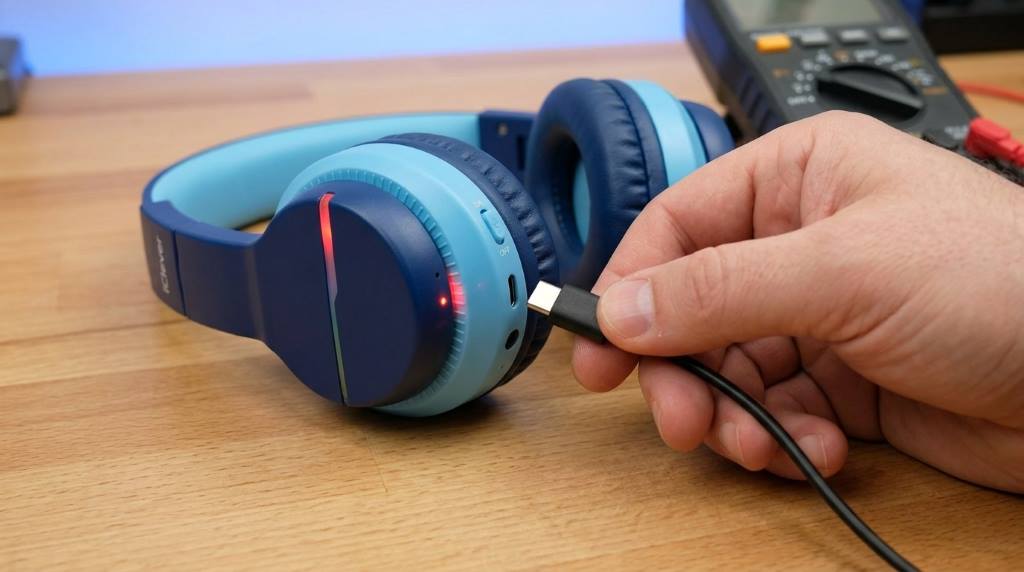
Use a dry cotton swab to clean the audio jack. Gently twist it inside to remove debris. For charging ports use a soft brush or compressed air. Never insert wet or sharp objects into these areas.
Debris in ports can cause connection issues. Regular cleaning ensures reliable performance. Always check for moisture before plugging in your headphones. This prevents short circuits.
Maintenance Tips for Longevity
Store Properly After Each Use
Keep your headphones in a dry cool place. Avoid leaving them in direct sunlight or hot cars. Use a protective case to prevent damage during transport. This also keeps dust and dirt away.
Hang your headphones on a hook if possible. This prevents tangling and stress on the cables. For wireless models store them in their charging case. This protects them and keeps the battery charged.
Avoid Extreme Conditions
Do not expose your headphones to extreme heat or cold. High humidity can also cause damage. If you work out outdoors in rainy climates consider waterproof models. Always dry them thoroughly after exposure to moisture.
In coastal areas salt air can corrode metal parts. Rinse with fresh water if exposed to saltwater. Wipe down with a dry cloth afterward. This prevents long term damage.
Regularly Check for Wear and Tear
Inspect cables for fraying or exposed wires. Replace damaged cables immediately to avoid electrical issues. Check ear cushions for cracks or flattening. Worn out cushions reduce comfort and sound quality.
Test your headphones periodically for sound imbalances. If one side sounds quieter there may be a connection issue. Address problems early to avoid costly repairs or replacements.
Unique Tips for Workout Headphones
Use Antimicrobial Sprays
Antimicrobial sprays can kill bacteria on headphone surfaces. Spray lightly on a cloth and wipe down your headphones. This is especially useful for shared gym equipment. Always follow product instructions for safe use.
These sprays leave a protective layer that inhibits bacterial growth. They are safe for most headphone materials. Use them weekly for best results. This keeps your headphones fresher between deep cleanings.
Rotate Between Multiple Pairs
Having two pairs of headphones allows one to dry thoroughly. This is ideal for daily gym goers. Rotate their use to extend the life of each pair. It also gives you a backup if one pair needs repair.
Store the unused pair in a dry place. This prevents moisture buildup and odors. It is a simple way to maintain hygiene. You always have a clean pair ready for your next workout.
Customize for Your Climate
In hot climates sweat is the main concern. Choose headphones with sweat resistant materials. Clean them more frequently to prevent salt buildup. Consider models with cooling gel cushions.
In cold climates focus on preventing condensation. Store headphones at room temperature before use. Avoid sudden temperature changes that can cause moisture inside. Silica gel packets in storage cases help absorb excess moisture.
Common Mistakes to Avoid
Using Too Much Water
Excess water can seep into electronic components. This can cause permanent damage. Always use a damp not soaking wet cloth. Dry thoroughly after cleaning.
Never submerge your headphones in water. Even waterproof models have limits. Follow manufacturer guidelines for cleaning. This ensures you do not void the warranty.
Ignoring the Manufacturer’s Instructions
Each headphone model has specific care requirements. Ignoring these can lead to damage. Some materials may react poorly to certain cleaning agents. Always check the manual first.
Using unauthorized parts or cleaners can void warranties. Stick to recommended products. This protects your investment and ensures longevity. When in doubt contact customer support.
Skipping Regular Cleanings
Waiting until headphones look dirty is too late. Bacteria and sweat buildup happen gradually. Regular cleaning prevents long term damage. It also maintains optimal sound quality.
Set a reminder to clean your headphones weekly. This habit keeps them in top condition. It also makes deep cleaning easier when needed. Consistency is key to headphone maintenance.
Conclusion
Cleaning and maintaining your workout headphones is simple but essential. Regular care prevents damage and extends their lifespan. You enjoy better sound and hygiene with minimal effort. Start incorporating these habits into your routine today.
Invest in quality cleaning supplies and storage solutions. Your headphones will thank you with years of reliable service. Share these tips with fellow fitness enthusiasts. Together we can all enjoy better workouts with cleaner gear.
FAQ
How often should I clean my workout headphones?
Clean them after every use and do a deep clean weekly.
Can I use baby wipes to clean my headphones?
Yes but ensure they are alcohol free to avoid damaging materials.
What is the best way to remove earwax from headphones?
Use a dry cotton swab or soft brush to gently remove debris.
Are wireless headphones harder to clean?
They require more care around ports but the process is similar to wired models.
How do I prevent my headphones from smelling bad?
Clean regularly and store in a dry place with good airflow.