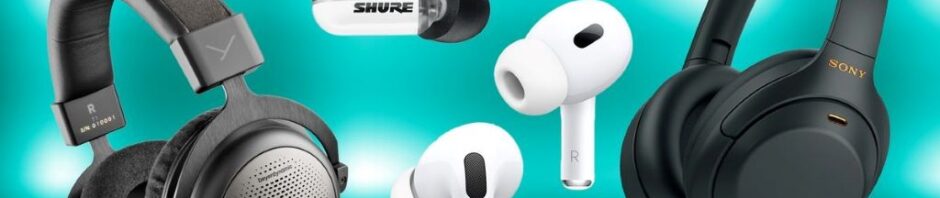



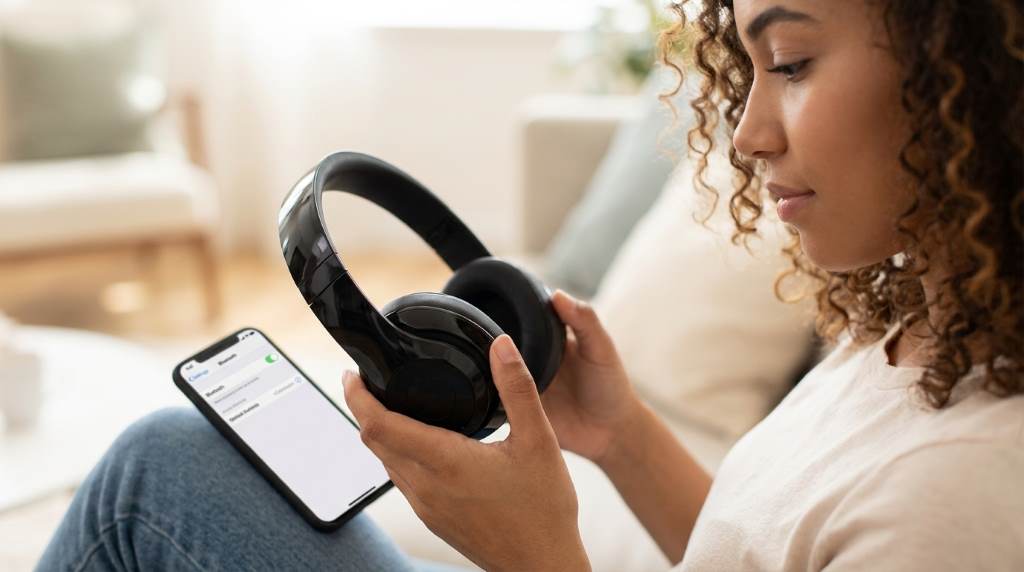
Great audio can change the way you enjoy music, movies, and podcasts. Recent surveys show that more than 70% of Americans use wireless audio devices every week. Another report found that headphone users spend nearly three hours daily listening to content. Learning how to get better audio with the best wireless headphones helps you enjoy every detail. Better sound does not always require expensive gear. Instead, smart settings and good listening habits can dramatically improve your experience.
Why Audio Quality Matters
Sound quality affects how deeply you connect with entertainment. Clear audio reveals instruments, voices, and effects that poor sound often hides.
Moreover, high quality audio reduces listening fatigue during long sessions. Your ears work less because the sound remains balanced and detailed.
Good sound also improves productivity and communication. Clear speech makes virtual meetings and educational content easier to understand.
Start With the Right Wireless Headphones
The quality of your headphones creates the foundation for better audio. Even the best music files cannot overcome poor hardware.
Choose Drivers Designed for Clarity
Larger drivers often produce deeper bass and fuller sound. However, driver tuning matters more than driver size alone.
Many premium headphones use specially tuned drivers for balanced audio. These models deliver better separation between instruments and voices.
Check Codec Support
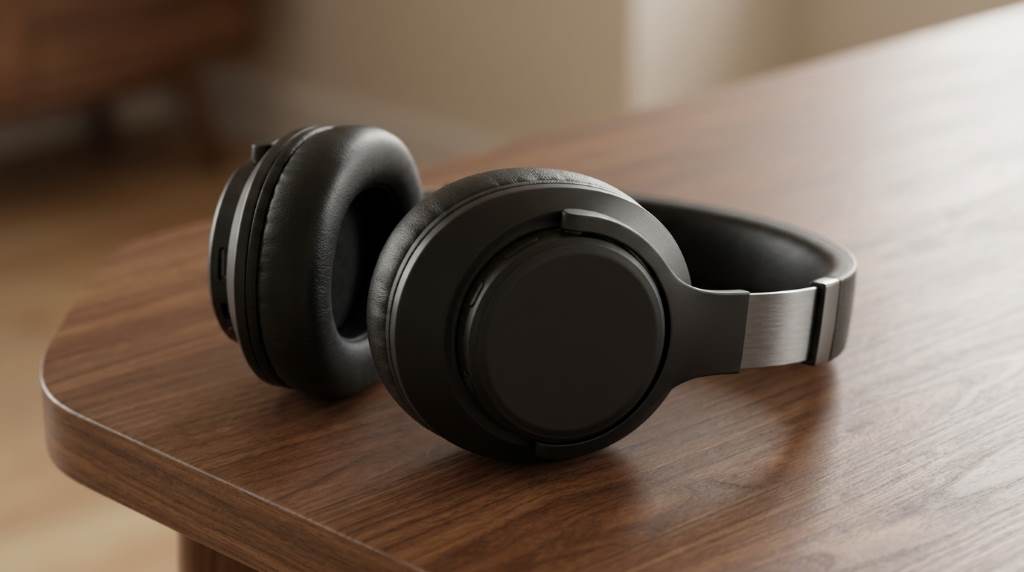
Wireless audio depends heavily on Bluetooth codecs. Better codecs transmit more information from your device.
- AAC works well with Apple devices.
- LDAC supports higher quality audio streams.
- aptX Adaptive balances sound quality and stability.
- LC3 improves efficiency on newer Bluetooth standards.
Therefore, matching your headphones and device codecs can significantly improve sound performance.
Use High Quality Music Sources
Audio quality starts with the source material. Compressed files often remove details from songs and recordings.
Streaming services now offer lossless and high resolution options. These settings provide richer and more accurate sound reproduction.
Better Audio Sources Include
- Lossless streaming subscriptions
- High resolution music files
- Original CD quality recordings
- Premium podcast downloads
Additionally, avoid extremely low bitrate files because they often sound flat and distorted.
Adjust the Equalizer Correctly
Many people ignore the equalizer settings on their devices. Yet proper adjustments can completely transform audio quality.
Boosting every frequency rarely improves sound. Instead, small changes usually create a cleaner listening experience.
Simple Equalizer Tips
- Reduce excessive bass if vocals sound muddy.
- Increase mids slightly for clearer voices.
- Add a small treble boost for extra detail.
- Save different presets for music genres.
Furthermore, several headphone apps include personalized sound tests that create custom profiles.
Find the Best Fit for Your Ears
Headphone fit directly affects audio performance. Poor positioning can reduce bass and lower overall clarity.
Over ear models should fully cover your ears without gaps. Earbuds should seal gently inside the ear canal.
Many manufacturers provide several ear tip sizes. Testing different sizes often improves comfort and sound quality immediately.
Take Advantage of Noise Cancellation
Noise cancellation improves listening by reducing outside distractions. You hear more details without increasing the volume.
Active noise cancellation works especially well during travel and office use. It also protects hearing by lowering the need for loud playback.
However, transparency mode can be useful in busy environments. This feature lets important sounds remain audible.
Improve Bluetooth Connection Quality
Wireless technology continues to improve every year. Still, connection problems can reduce sound quality.
Ways to Maintain Strong Bluetooth Performance
- Keep your device close to the headphones.
- Update software regularly.
- Disconnect unused Bluetooth devices.
- Restart devices when audio problems appear.
Additionally, walls and electronic devices sometimes interfere with wireless signals. A stable connection prevents dropouts and distortion.
Use Companion Apps
Many premium headphones include dedicated applications. These apps unlock advanced sound settings and useful features.
You can adjust equalizers, update firmware, and customize controls. Some apps even create hearing profiles based on personal preferences.
Therefore, installing the official app often provides noticeable improvements without spending extra money.
Protect Your Hearing While Improving Audio
Better audio does not mean louder audio. Long listening sessions at high volumes can damage hearing permanently.
Experts often recommend keeping volume around sixty percent during extended use. Taking short breaks also reduces listening fatigue.
Furthermore, cleaner audio at moderate levels often sounds better than distorted audio played too loudly.
Optimize Audio Settings on Different Devices
Smartphones
Most modern phones offer sound enhancement settings. Disable unnecessary effects if the audio sounds unnatural.
Computers
Many computers include built in audio processing tools. Experiment with spatial audio settings for movies and games.
Streaming Devices
Televisions and streaming boxes frequently support advanced audio formats. Matching device settings with headphone capabilities improves performance.
Clean and Maintain Your Headphones
Dust and earwax can reduce sound quality over time. Regular maintenance keeps drivers and microphones performing correctly.
Use a soft cloth to clean surfaces gently. Also inspect ear tips and cushions for wear and damage.
Replacing worn parts often restores sound quality and comfort. Proper care can extend the life of your headphones considerably.
Create the Ideal Listening Environment
Even excellent headphones perform better in quiet surroundings. Background noise can hide important details in music and speech.
Choose a comfortable listening area whenever possible. Small changes in your environment often improve your experience significantly.
Moreover, reducing distractions helps your brain focus on subtle audio details and enjoy content more deeply.
Signs That It May Be Time to Upgrade
Technology evolves quickly in the United States and worldwide. Older headphones may lack newer codecs and advanced features.
- Battery life drops dramatically.
- Connection issues happen frequently.
- Audio sounds distorted or unbalanced.
- Important features are missing.
If these problems appear regularly, upgrading can improve both convenience and sound quality.
Conclusion
Getting better audio with wireless headphones involves more than purchasing expensive equipment. Smart settings, quality sources, and proper maintenance all play important roles.
Small adjustments can unlock impressive improvements in sound quality. Start applying these tips today and enjoy a richer listening experience wherever you go in the USA.
Frequently Asked Questions
Do expensive wireless headphones always sound better?
No, proper tuning and features often matter more than price alone.
Can equalizer settings improve sound quality?
Yes, small equalizer adjustments can greatly improve clarity and balance.
Does noise cancellation improve audio quality?
Yes, it reduces distractions and helps you hear more details.
Are lossless music files worth using?
Yes, they preserve more audio information than heavily compressed files.
How often should I clean my wireless headphones?
Cleaning them every few weeks helps maintain performance and hygiene.