

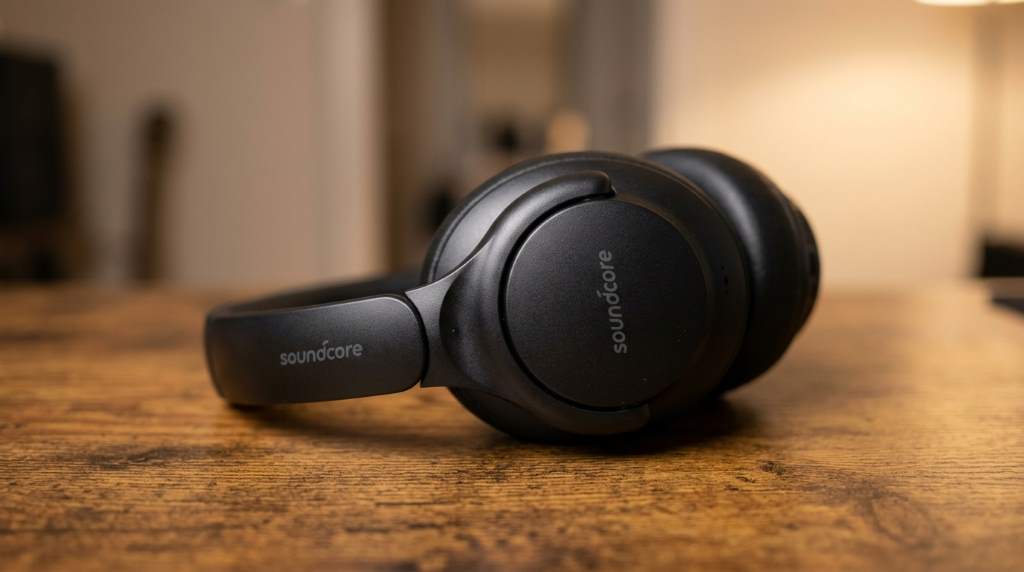
To reset Soundcore headphones, turn them off, press and hold the required buttons until the indicator flashes, then remove the old Bluetooth pairing before reconnecting. A proper reset fixes most pairing, connection, and audio problems without special tools.
Bluetooth headphones now account for more than 70% of headphone shipments worldwide, while wireless audio use continues growing every year. Because of frequent device switching, many users occasionally experience connection issues with soundcore headphones. Fortunately, learning how to reset Soundcore headphones solves many common problems within minutes. This guide explains every important step using simple instructions and practical troubleshooting tips.
Why You May Need to Reset Soundcore Headphones
A reset restores your headphones to their factory Bluetooth settings. It removes stored pairing information and refreshes the wireless connection. Consequently, many software related problems disappear immediately.
You should always try a reset before requesting warranty support. Additionally, the process requires only a few minutes. Most users complete the procedure without technical experience.
Common Problems That a Reset Can Fix
A factory reset helps resolve many everyday Bluetooth issues. However, physical hardware damage requires professional repair instead.
- Bluetooth pairing failures
- Headphones not appearing during scanning
- One earbud not connecting
- Audio cutting in and out
- Random disconnects
- Poor synchronization between earbuds
- Connection after switching devices
- App communication problems
Things to Do Before Resetting
Several quick checks may solve your problem without performing a reset. Therefore, complete these steps before continuing.
- Charge the headphones above 30%
- Turn Bluetooth off and back on
- Restart your phone or computer
- Move closer to the connected device
- Update the Soundcore application if available
- Disconnect nearby Bluetooth accessories
How to Reset Soundcore Headphones
The reset procedure varies slightly between different Soundcore models. Nevertheless, the overall process remains very similar across most headphones and earbuds.
Step 1: Power Off the Headphones
Turn the headphones completely off before starting the reset. Wait several seconds before pressing any buttons. This step ensures the reset begins correctly.
Step 2: Press the Reset Button Combination
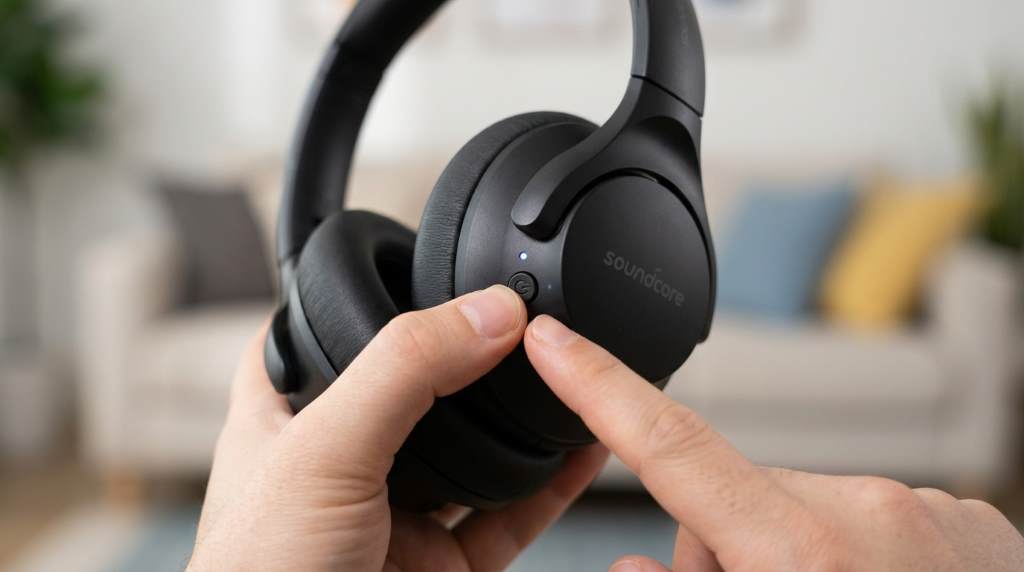
Press and hold the required buttons for your specific model. Usually, the power button or volume buttons perform the reset. Continue holding until the LED indicator flashes repeatedly.
Step 3: Wait for Confirmation
The indicator light normally changes color or flashes rapidly after success. Some models also produce an audio confirmation. Release the buttons once confirmation appears.
Step 4: Remove Previous Bluetooth Pairing
Open your device’s Bluetooth settings after the reset completes. Next, forget the previous headphone connection. This prevents old pairing information from causing conflicts.
Step 5: Pair the Headphones Again
Place the headphones into pairing mode once more. Then select them from the Bluetooth device list. Finally, confirm the connection and test audio playback.
Reset Instructions for Popular Soundcore Models
Soundcore Life Series
Power the headphones off before holding the power button for several seconds. Wait until the LED flashes rapidly. Afterwards, remove the previous Bluetooth connection before pairing again.
Soundcore Space Series
Turn off the headphones completely before holding the required button combination. Release the buttons after the status light changes. Then reconnect through your Bluetooth settings.
Soundcore Liberty Earbuds
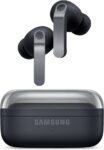
Place both earbuds inside the charging case before beginning. Hold the case button until the indicator flashes several times. Remove previous pairings before reconnecting successfully.
Soundcore Sport Models
Most sport models use the power button for resetting. Keep holding until the indicator confirms completion. Pair the earbuds again after removing previous Bluetooth records.
What Happens During a Factory Reset
A factory reset removes stored Bluetooth pairing information only. It does not physically damage the headphones. Likewise, audio hardware remains completely unchanged.
Custom equalizer settings may disappear on certain models. Therefore, reopen the companion application after reconnecting. Restore your preferred sound profile if necessary.
When a Reset Does Not Solve the Problem
Sometimes the issue involves hardware instead of software. In those situations, resetting alone cannot restore normal performance. Additional troubleshooting becomes necessary.
Check for visible charging port damage or broken buttons. Also inspect the ear cushions and charging contacts carefully. Dirt sometimes interrupts normal charging performance.
Additional Troubleshooting Tips
Several simple maintenance habits improve Bluetooth stability over time. Consequently, your headphones remain reliable during everyday use.
- Keep firmware updated
- Charge the battery regularly
- Clean charging contacts carefully
- Avoid extreme temperatures
- Store headphones inside their protective case
- Reduce wireless interference whenever possible
Best Practices After Resetting
Reconnect only one device during the initial setup process. Afterwards, verify music playback before connecting additional devices. This approach reduces pairing conflicts significantly.
Test phone calls, music streaming, and media controls after reconnecting. Furthermore, confirm both left and right channels operate correctly. Early testing helps identify remaining issues quickly.
Frequently Asked Questions
Does resetting Soundcore headphones erase Bluetooth pairings?
Yes, a factory reset removes all previously saved Bluetooth connections.
Will resetting improve sound quality?
It improves sound only when software or connection problems reduce audio performance.
Can I reset Soundcore headphones without the mobile app?
Yes, most models support hardware button resets without using the application.
How long does a Soundcore reset take?
Most reset procedures finish within one to two minutes.
Should I forget the Bluetooth device after resetting?
Yes, removing the old pairing helps establish a clean new connection.
Conclusion
Learning how to reset Soundcore headphones helps resolve many common Bluetooth issues quickly and safely. Following the correct sequence improves pairing reliability while reducing future connection problems. Try these steps whenever wireless performance becomes inconsistent, and consult official support if hardware issues continue.